How to Record a Bedtime Story for Your Children (Even If You're Far Away)
There's a particular kind of sadness that comes with watching your parents video call your children.
The connection drops. Someone talks over someone else. The kids get distracted. And then it's over — five minutes that were supposed to feel close, but somehow felt even further away.
If your children's grandparents live in another country — or if you're the one travelling, deployed, or simply not home at bedtime — you already know this feeling. Birthdays over FaceTime. Goodnight waves through a screen. Wishing that your kids could've fallen asleep listening to your voice.
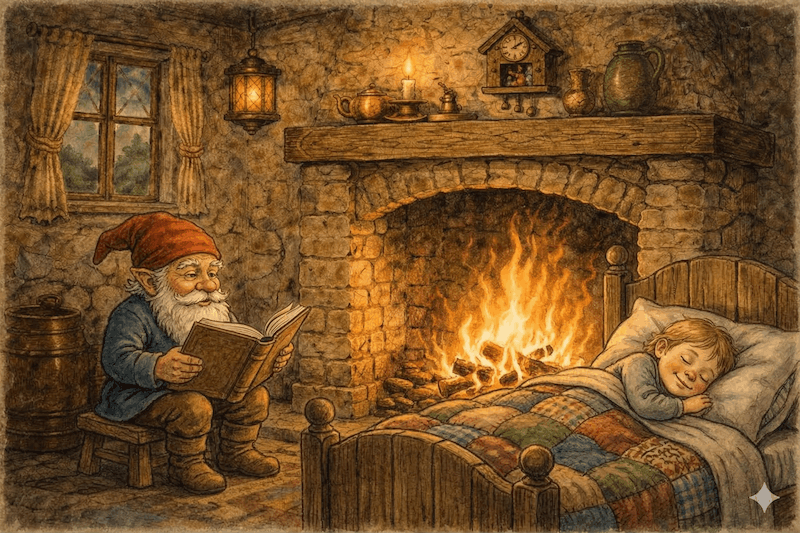
One of the simplest things that helped our family was recorded bedtime stories. Not video calls. Not voice messages. Proper recordings — grandma reading Goldilocks, grandpa doing all the voices for The Three Billy Goats Gruff — that the kids can listen to any night they want, as many times as they want.
Here are some tips on how to set this up.
What You Need
The good news: you don't need any special equipment. A smartphone is genuinely all it takes. Modern phone microphones — especially on iPhones and recent Android devices — produce surprisingly good audio quality for voice recording. Far better than a laptop microphone.
What you do need:
- A smartphone (any recent model works)
- A quiet room (this matters more than the microphone)
- A story to read
- Somewhere to store and share the file
Choose the Right Story
Classic fairy tales work beautifully for a few reasons. The language is rich and expressive, which gives you something to work with vocally. Children already know many of them, which means hearing your version feels familiar and comforting rather than new and stimulating. And they're in the public domain — no copyright concerns.
Good starting points:
- For ages 0–3: The Princess and the Pea, The Elves and the Shoemaker, The Frog Prince
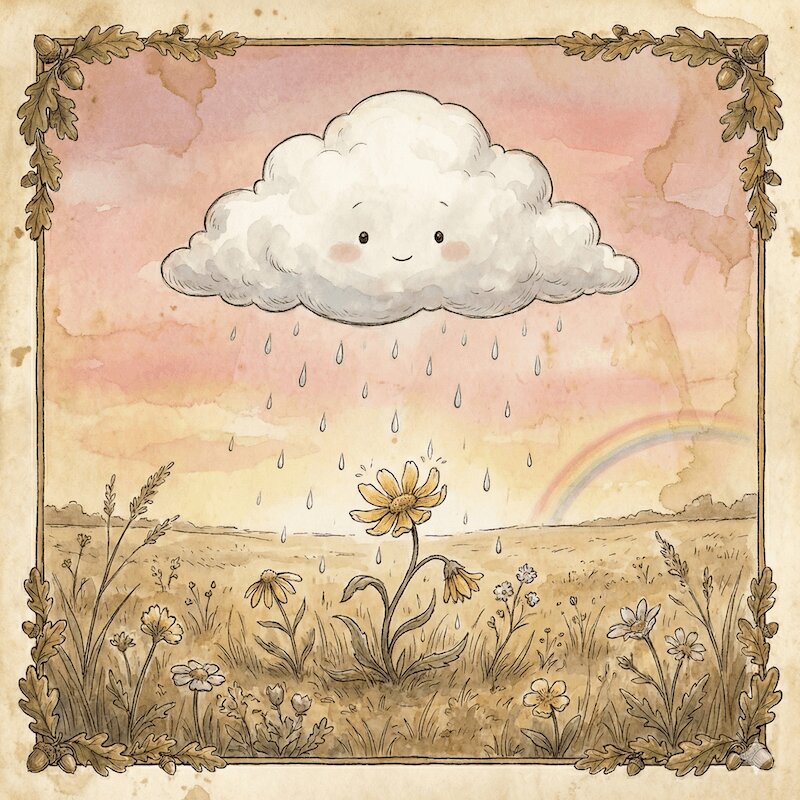
- For ages 2–5: Goldilocks and the Three Bears, The Three Little Pigs, The Little Cloud Who Learned to Rain
- For ages 4–8: Little Red Riding Hood, Rapunzel, Snow White, Jack and the Beanstalk
Pick something that matches your child's age and attention span. A 3-minute story is perfect for toddlers. Older children can handle 10–15 minutes.
Set Up for Good Audio
The recording environment matters more than anything else. A warm, quiet room produces a warm, quiet recording. A noisy kitchen produces chaos.
A few tips:
- Record in a small, soft room. Bedrooms with carpet and curtains absorb echo. Bathrooms and kitchens create reverb.
- Turn off background noise. Dishwashers, TVs, fans, air conditioning — all of these bleed into recordings more than you'd expect.
- Hold the phone naturally. About 20–30 cm from your face. Not too close (breathing becomes loud), not too far (voice becomes thin).
- Do one quiet test first. Record 30 seconds, play it back. If it sounds good to you, it'll sound good to the children.
Record Page by Page
This is the approach that produces the best results, especially if you feel nervous about recording.
The best approach is to record the whole story in one sitting, but prepare page by page. Before you hit record, read each page to yourself first — silently or in a whisper. This one step makes a huge difference. You'll know where the tricky words are, where to pause for effect, and how the sentence flows. Then when you record, it sounds natural rather than sight-read.
If you do stumble, don't stop. Just pause, take a breath, and keep going. Small imperfections are part of the charm — your child isn't listening for perfection, they're listening for you.
A few things that make the recording feel special:
- Try to use different voices for different characters. Even subtle differences — slightly higher for a child character, lower for a bear — bring the story to life.
- Don't rush. Bedtime stories should feel slow and calming. If it feels slightly too slow to you as you record, it's probably perfect.
- Add small personal touches. "This is grandma, reading your favourite story all the way from Switzerland" at the beginning. "Goodnight sweetheart, I love you" at the end. These are the moments children remember.
Share the Recording
Once you have a recording you're happy with, you need to get it to the family. A few options:
For a single recording:
- Send directly via WhatsApp, iMessage, or Telegram — these handle audio files well
- Upload to Google Drive or Dropbox and share the link
- Email works for smaller files (under 25MB)
For an ongoing library of stories:
- A shared Google Drive folder works well — you can add new recordings over time, and the family can download and organise them
- Some families create a private Dropbox folder that both sides can access
The goal is to make it as easy as possible to record and to access. The more friction, the less likely it happens regularly.
What to Do With the Files
Once you have recordings, the way you use them matters.
- Create a bedtime playlist. Put the recordings in a folder on your phone. At bedtime, let your child choose which story — and whose voice — they want to hear.
- Keep them offline. Download the files rather than streaming. Children's bedtime routines shouldn't depend on an internet connection.
- Make it a ritual. "Tonight we're going to listen to grandma's story" becomes something children look forward to. It keeps you present in daily life even when you're far away.
A Simpler Way to Do All of This
The approach above works — but it has its rough edges. The main challenge being that you're recording in one take, so a mistake on page 15 means either living with it or starting over. You end up with a raw audio file that needs trimming, renaming, and sharing manually.
That's why I've built VoiceHearth. It guides you through recording classic bedtime stories page by page on your phone — but unlike recording in one take, you can re-record any page as many times as you like. Stumble on a tricky sentence? Just tap re-record for that page. The rest of your recording stays untouched.
When you're done, VoiceHearth stitches everything together, processes the audio, and lets you add a gentle background music track — soft piano, ambient sounds, or a lullaby — that turns a phone recording into something that genuinely feels like a produced audiobook. The result is a polished MP3, ready to download and share.
Two stories are completely free. If your family is separated by distance, it's worth five minutes to try.